
Best Under-Desk Walking Pads for Small Apartments (2026 Review)
Living in a tight space? Compare the best under-desk walking pads tested for noise level, easy under-bed storage, and remote work ergonomics.
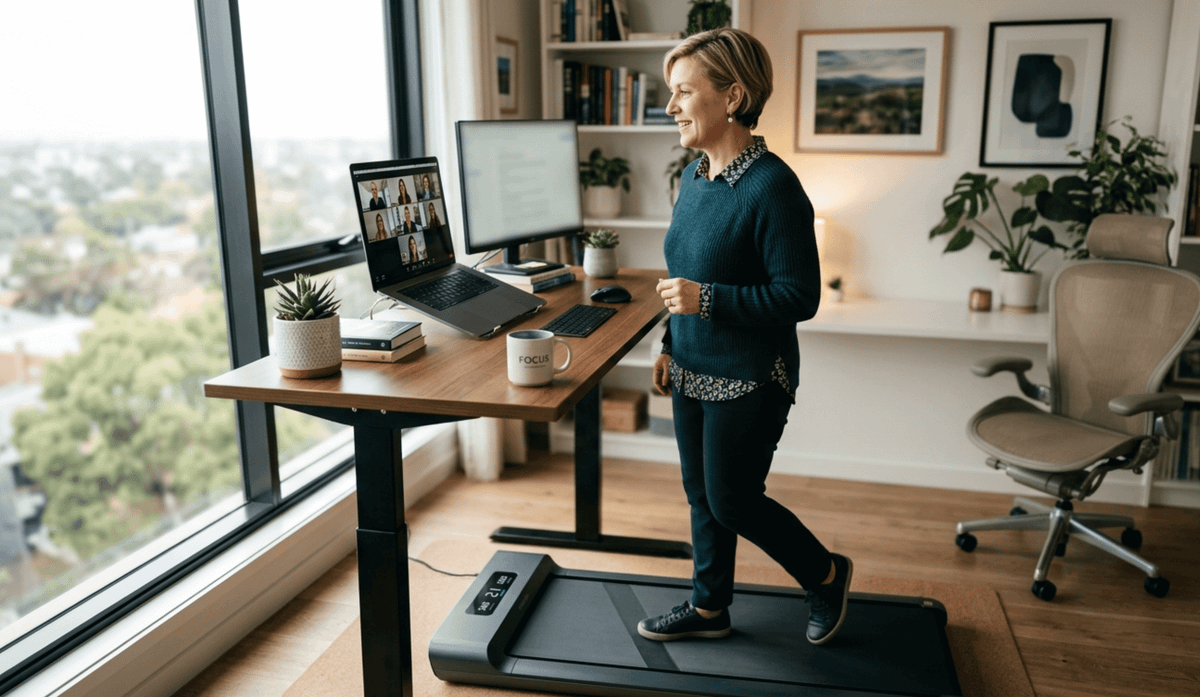
Getting 10,000 steps a day while working a desk job can feel almost impossible—especially if you live in a city apartment or work from a cramped home office. Traditional treadmills are noisy, heavy, and take up valuable real estate.
Under-desk walking pads solve this problem. These ultra-slim, flat treadmills slide beneath a standing desk during work hours and slip under a sofa or bed when your workday ends.
In this guide, we evaluate 4 top-performing compact treadmills across crucial metrics: decibel levels during Zoom calls, frame thickness for low-clearance storage, motor durability, and overall value.
At a Glance: Top Walking Pads Compared
| Model | Best For | Max Speed | Noise Level | Clearance Height |
| WalkingPad C2 | Best Overall / Ultra-Compact | 3.7 MPH | 41 dB | 5.0 in (folded) |
| UREVO Smart 2-in-1 | Best Heavy-Duty & Running | 6.2 MPH | 45 dB | 4.8 in (flat) |
| MERACH Under-Desk | Quietest for Zoom Calls | 3.8 MPH | 39 dB | 4.2 in (flat) |
| Yagud 3-in-1 | Best Value / Budget Pick | 3.8 MPH | 44 dB | 4.5 in (flat) |
Detailed Reviews: Tested Walking Pads for 2026
WalkingPad C2 Mini — Best Overall for Small Spaces
If storage footprint is your primary constraint, the WalkingPad C2 sets the benchmark. Unlike traditional flat walking pads that require long under-bed storage depth, the C2 features a 180-degree folding deck that cuts its footprint in half.
- Acoustics & Motor: Powered by a 1.0 HP Brushless DC motor41 dB creates a mild background hum that won't disrupt microphone audio during conference calls.
- Smart Controls: Features auto-speed sensing—stepping near the front of the belt accelerates the unit, while staying in the rear slows it down.
UREVO Smart 2-in-1 — Best Stability & Dual-Purpose Use
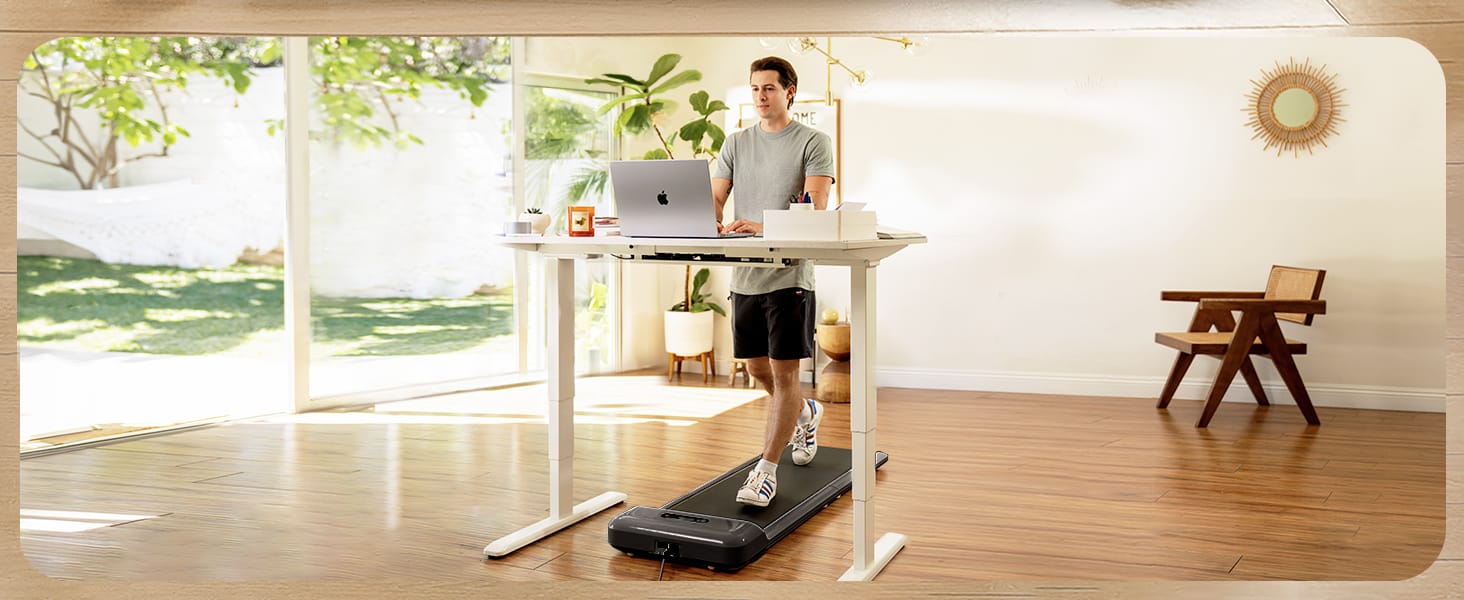
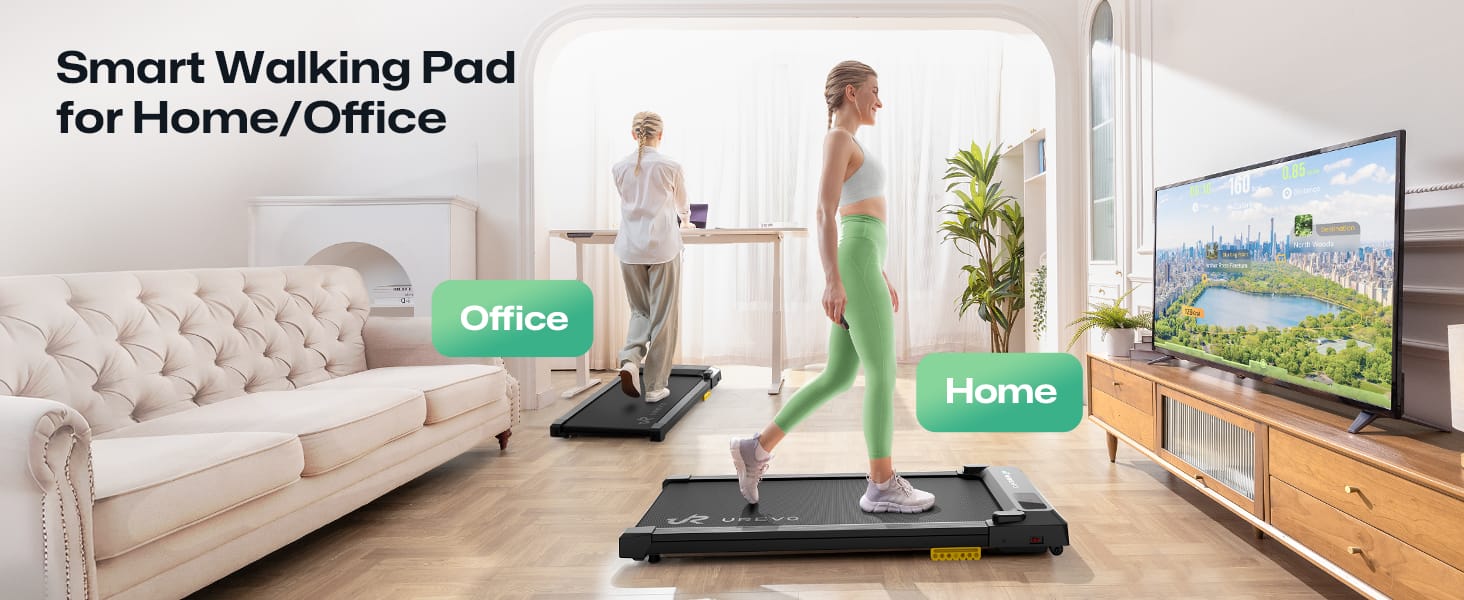
For remote workers who want to walk at 2.0 MPH during work blocks and log an evening jog at 6.0 MPH, the UREVO Smart 2-in-1 provides a reinforced steel frame and dual-mode functionality.
- Dual Function: Fold the handrail down for Under-Desk Mode (capped at 3.8 MPH). Lock the riser upward to unlock speeds up to 6.2 MPH.
- Joint Protection: Built with 8 silicone shock absorbers underneath a 5-layer non-slip belt, reducing lower back fatigue during extended walking sessions.
MERACH Under-Desk Pad — Quietest Operation for Zoom Calls
If your workday consists of back-to-back phone calls or client video presentations, motor noise is a critical factor. The MERACH Walking Pad uses an ultra-quiet suppression motor operating under 40 dB.
- Ultra-Slim Form Factor: Measuring just 4.2 inches high, it fits under almost any low-clearance sofa or standing desk setup.
- App Tracking: Syncs seamlessly via Bluetooth with health tracking apps to monitor distance, active steps, and calorie expenditure in real time.
Yagud 3-in-1 Walking Pad — Best Value Under $200
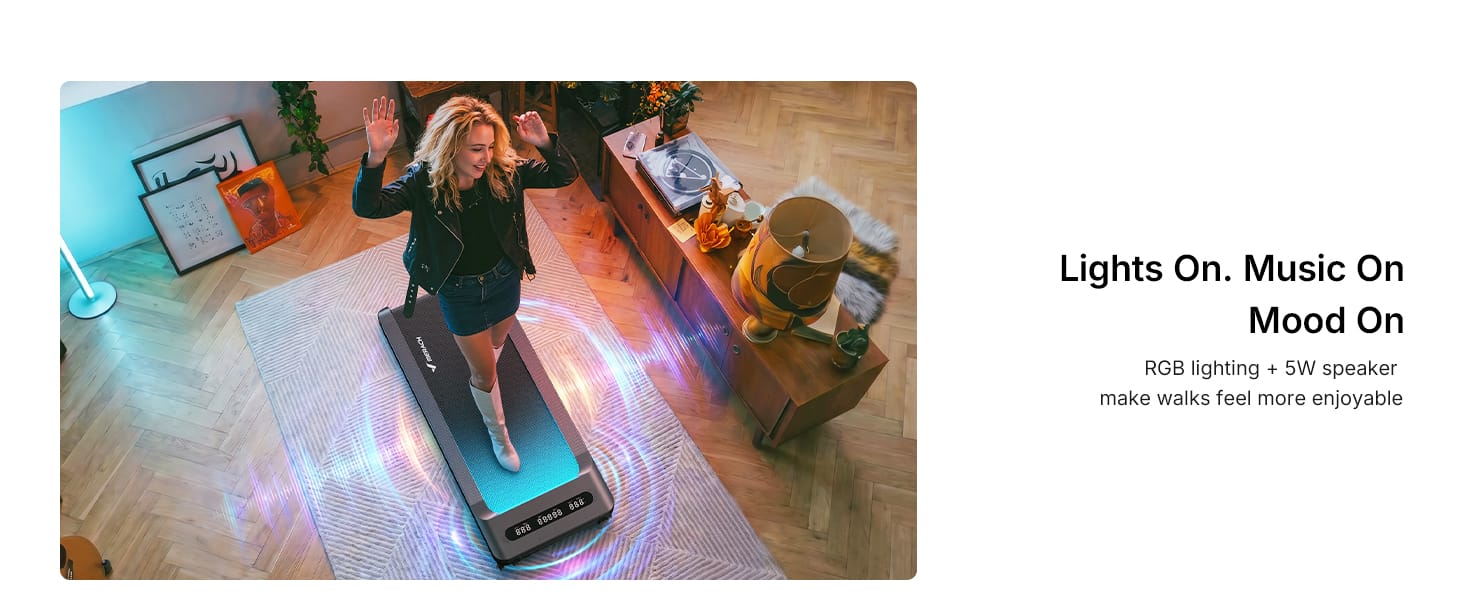
You don't need a $500 budget to stay active while working. The Yagud 3-in-1 delivers all essential features at an accessible price point.
- Zero Assembly: Arrives fully assembled out of the box. Plug into standard wall power and use the wireless handheld remote control to operate.
- Built-in Incline: Features a subtle fixed 3% incline, engaging glute and calf muscles slightly more than flat decks without adding joint impact.
Buyer's Checklist: What to Measure Before Ordering
Before picking a model, verify these three crucial measurements against your space:
- Furniture Clearance: Measure the gap under your bed or sofa. Flat units require 4.2 to 4.8 inches of clearance; folded units (like the WalkingPad C2) require at least 5.5 inches.
- Desk Width: Ensure the floor space between your standing desk legs is at least 22 to 24 inches wide to accommodate the walking pad frame cleanly.
- Acoustic Threshold: For client-facing remote roles, choose units rated under 45 dB and pair them with a 3mm rubber floor mat to prevent floorboard vibration.
Frequently Asked Questions
Q: How many calories do you burn using an under-desk treadmill?
Answer: How Many Calories Do You Burn Using an Under-Desk Treadmill?
An under-desk treadmill can be a surprisingly effective way to increase your daily calorie burn—especially if you use it consistently while working, reading, watching videos, or taking calls.
The exact number of calories you burn depends on several factors, including your body weight, walking speed, walking duration, and whether you are walking continuously or taking breaks.
Estimated Calories Burned
For a typical adult walking at around 1.5–2.5 mph, here are approximate calorie-burning ranges:
| Body Weight | 30 Minutes | 60 Minutes |
|---|---|---|
| 130 lb | 70–95 calories | 140–190 calories |
| 160 lb | 85–115 calories | 170–230 calories |
| 190 lb | 100–135 calories | 200–270 calories |
| 220 lb | 115–155 calories | 230–310 calories |
These are estimates, not exact measurements. Your actual calorie expenditure may be higher or lower depending on your walking speed, fitness level, age, and individual metabolism.
What About Walking While Working?
This is where an under-desk treadmill can make a real difference.
Suppose you normally spend 7–8 hours sitting at your desk. Instead of trying to turn your workday into a workout, you could walk at a comfortable 1.5–2 mph for portions of your day.
For example:
30 minutes/day: roughly 70–155 calories
1 hour/day: roughly 140–310 calories
2 hours/day: roughly 280–620 calories
You don't necessarily need to walk for hours continuously. Breaking your walking into several shorter sessions can make it much easier to maintain.
Does Walking Speed Matter?
Yes, a slow walking pace of around 1–1.5 mph will generally burn fewer calories than walking at 2–3 mph. However, the slower pace may be more practical when you're typing, attending virtual meetings, reading, or performing tasks that require concentration.
For an under-desk treadmill, consistency is often more important than speed.
Can an Under-Desk Treadmill Help With Weight Loss?
It can contribute to weight management by increasing your overall daily energy expenditure.
For example, if using your treadmill allows you to burn an additional 200 calories per day, that's approximately 1,400 calories per week. Over time, that additional activity can contribute to weight loss when combined with an appropriate diet and overall calorie balance.
However, it's important not to think of an under-desk treadmill as a magic weight-loss solution. Nutrition, overall physical activity, sleep, and your total energy intake all matter.
One Important Point: Don't Focus Only on Calories
The biggest benefit of an under-desk treadmill may actually be that it helps you replace prolonged sitting with light physical activity.
Instead of sitting completely still while answering emails or attending a meeting, you can accumulate more movement throughout your workday.
That extra movement can add up significantly over weeks and months.
How Long Should You Walk?
If you're new to using an under-desk treadmill, start with 15–30 minutes per day at a comfortable pace. As you become accustomed to walking while working, you can gradually increase your walking time.
A practical routine might look like:
- 30 minutes during morning emails
- 30 minutes during phone or video meetings
- 30 minutes while reading or doing administrative work
- Another 30 minutes later in the afternoon
That's 2 hours of additional walking without needing to schedule a traditional workout.
Bottom Line
An under-desk treadmill can burn roughly 70–155 calories in 30 minutes or 140–310 calories in an hour, depending primarily on your body weight and walking speed.
The real advantage isn't necessarily burning hundreds of calories in one session. It's moving a regular part of your workday.
If you can comfortably walk while working and consistently accumulate an extra 30–120 minutes of walking each day, those small amounts of activity can add up to a meaningful difference over time.
Q: Do I need a mat under my walking pad in an apartment?
Answer: Yes, I highly recommend using a mat under a walking pad if you live in an apartment. You can technically use a walking pad without one, but a good treadmill mat can protect your floor, reduce vibration, and make the machine more comfortable to use.
If you're wondering whether it's really necessary, here are the main reasons.
1. It Helps Reduce Noise and Vibration
This is probably the biggest reason apartment dwellers should consider a mat.
Even if your walking pad is advertised as "quiet," the motor and your footsteps can create vibrations that travel through the floor. On hard surfaces such as hardwood, laminate, vinyl, or tile, those vibrations can be more noticeable to neighbors, particularly the person living below you.
A dense treadmill mat can help absorb some of that vibration and reduce the amount of noise transferred through the floor.
Tip: If you primarily use your walking pad for slow walking while working, a mat may be enough to make a noticeable difference. Running or fast walking will generate considerably more impact and vibration.
2. It Protects Your Apartment Floor
Walking pads can be surprisingly heavy, and the concentrated weight of the machine can potentially leave marks or scratches on certain flooring.
A mat creates a protective layer between the walking pad and your floor. This is particularly useful if you're renting because repairing damaged flooring can become an expensive problem when you move out.
It's especially worth considering for:
- Hardwood floors
- Laminate flooring
- Vinyl
- Tile
- Carpet
3. It Helps Keep Your Walking Pad Stable
A suitable mat can provide a more consistent surface underneath the walking pad and help prevent it from gradually shifting during use.
This can be particularly helpful if you're walking at higher speeds or using the walking pad frequently.
However, make sure the mat is flat and appropriately sized. A mat that is too soft, uneven, or significantly larger than necessary can actually make the equipment less stable.
4. It Makes Cleaning Easier
Walking pads collect dust, hair, and debris underneath and around the machine.
With a mat underneath, you can simply move the walking pad and clean the mat rather than dealing directly with the floor.
This is a small benefit, but if you use your walking pad every day, it can make maintenance easier.
Q: What Type of Mat Should You Use?
Answer: You don't necessarily need an expensive gym-quality mat.
For most apartment users, look for a dense, non-slip treadmill or exercise equipment mat that is:
- Thick enough to absorb vibration
- Non-slip
- Large enough to accommodate the walking pad
- Resistant to compression
- Easy to clean
- Compatible with your flooring type
Avoid extremely soft foam mats designed primarily for yoga or children's play areas. They may compress under the weight of the walking pad and aren't necessarily designed to support exercise equipment.
Q: What If I'm Concerned About My Downstairs Neighbors?
Answer: A mat can help, but it isn't a magic solution.
If noise is a major concern, combine the mat with a few other measures:
Walk rather than run. A walking pad is naturally quieter at walking speeds.
Use it during reasonable hours. Even a relatively quiet machine can annoy neighbors if used late at night or very early in the morning.
Keep the walking pad maintained. Lubricate and inspect it according to the manufacturer's instructions. Loose or poorly maintained components can create additional noise.
Consider your flooring. Hard floors can transmit vibration differently from carpet or other surfaces.
Q: Do You Need a Mat on Carpet?
Answer: Not always.
A walking pad can generally be used on carpet if the manufacturer permits it, but you should check the manufacturer's instructions first. A mat can still be useful because it protects the carpet, makes cleaning easier, and can provide a more stable surface.
For thick or plush carpet, however, a rigid or dense equipment mat may be particularly useful because the walking pad can sink or become less stable.